
YOUR FREE GUIDE TO 3D PRINTING CAR PARTS
CAR PART FILAMENT SELECTOR | SCANNING & 3D PRINTING CAR PARTS | DIGITAL DASH BUILD | DESIGN YOUR FIRST CAR PART
I remember when I first started 3d printing car parts. Wrong printer, failed attempts, weak parts… wasted time.
After years of trial and error, I’ve found the perfect setup and technique to get you going.
But if you’re ready to design your first car parts in just a few hours…
I packaged everything into a 1-Day Car Parts Design Workshop so you can build the parts no one else has in just a few hours.
Or continue with the FREE stuff ⬇
STEP 1. PICK THE BEST 3D PRINTER FOR CAR PARTS
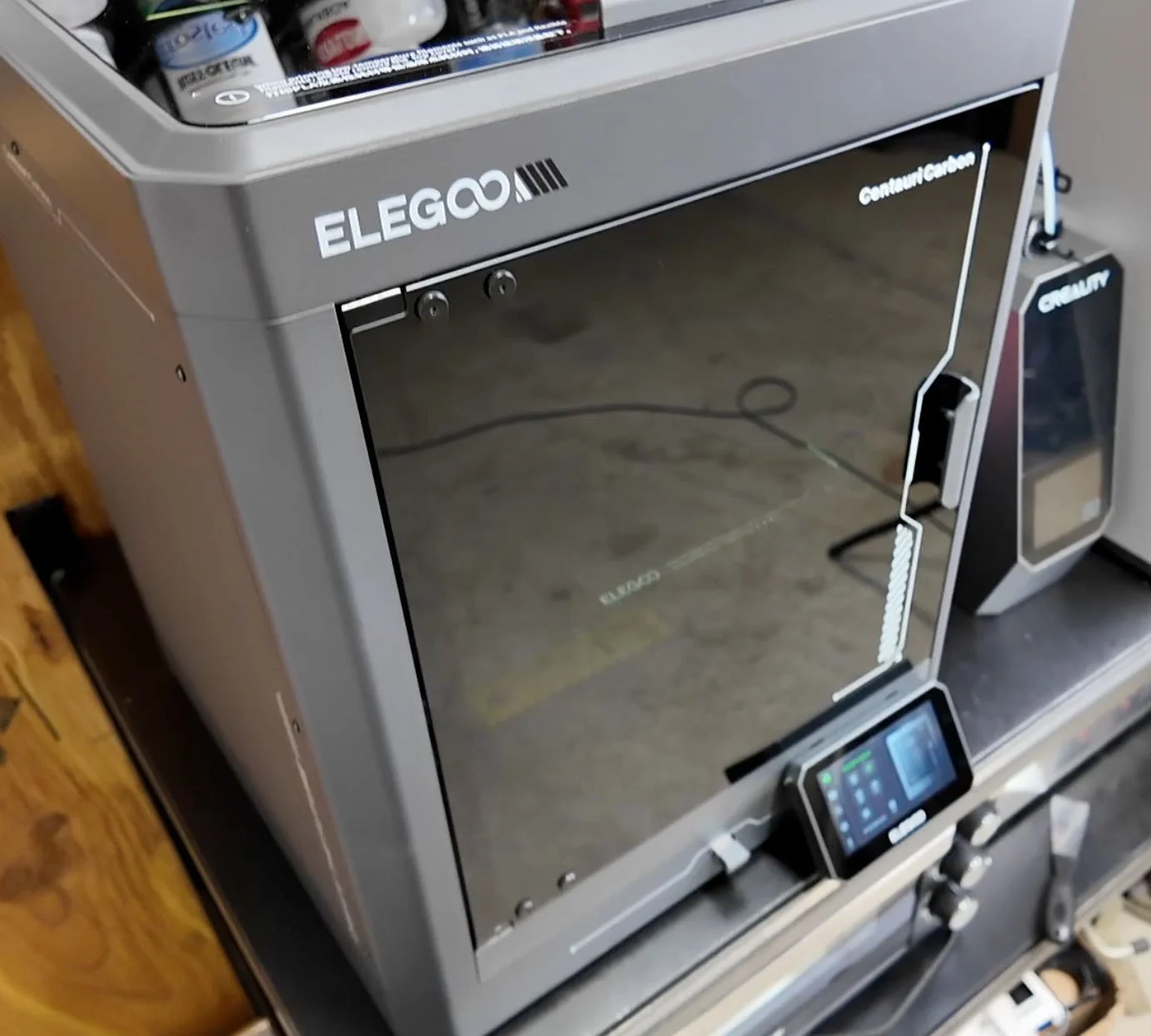
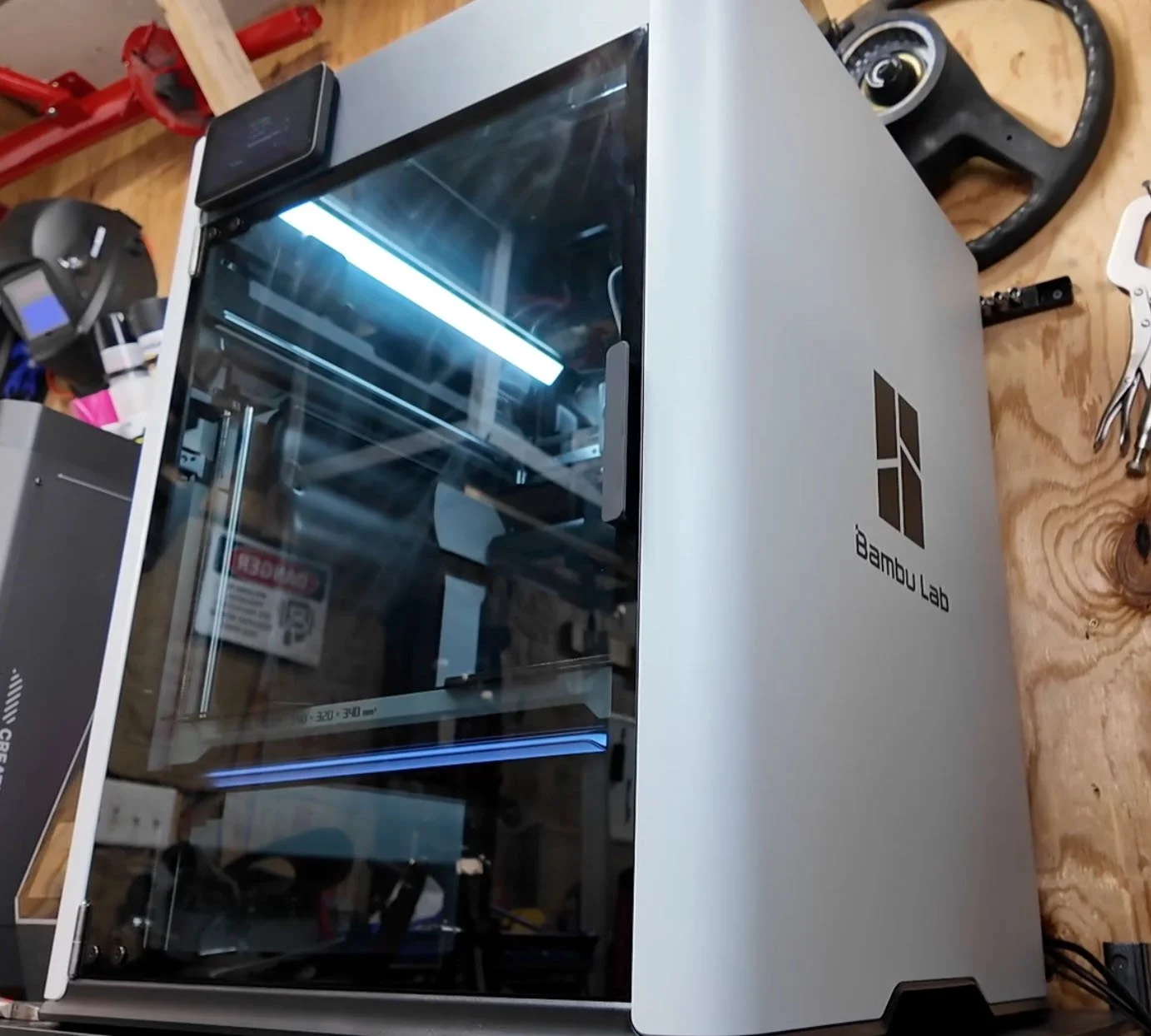
I recommend one of two enclosed 3d printers that we use to make custom car parts.
Option 1: Budget Build
If you’re a beginner on a budget, then the Centauri Carbon from Elegoo is perfect.
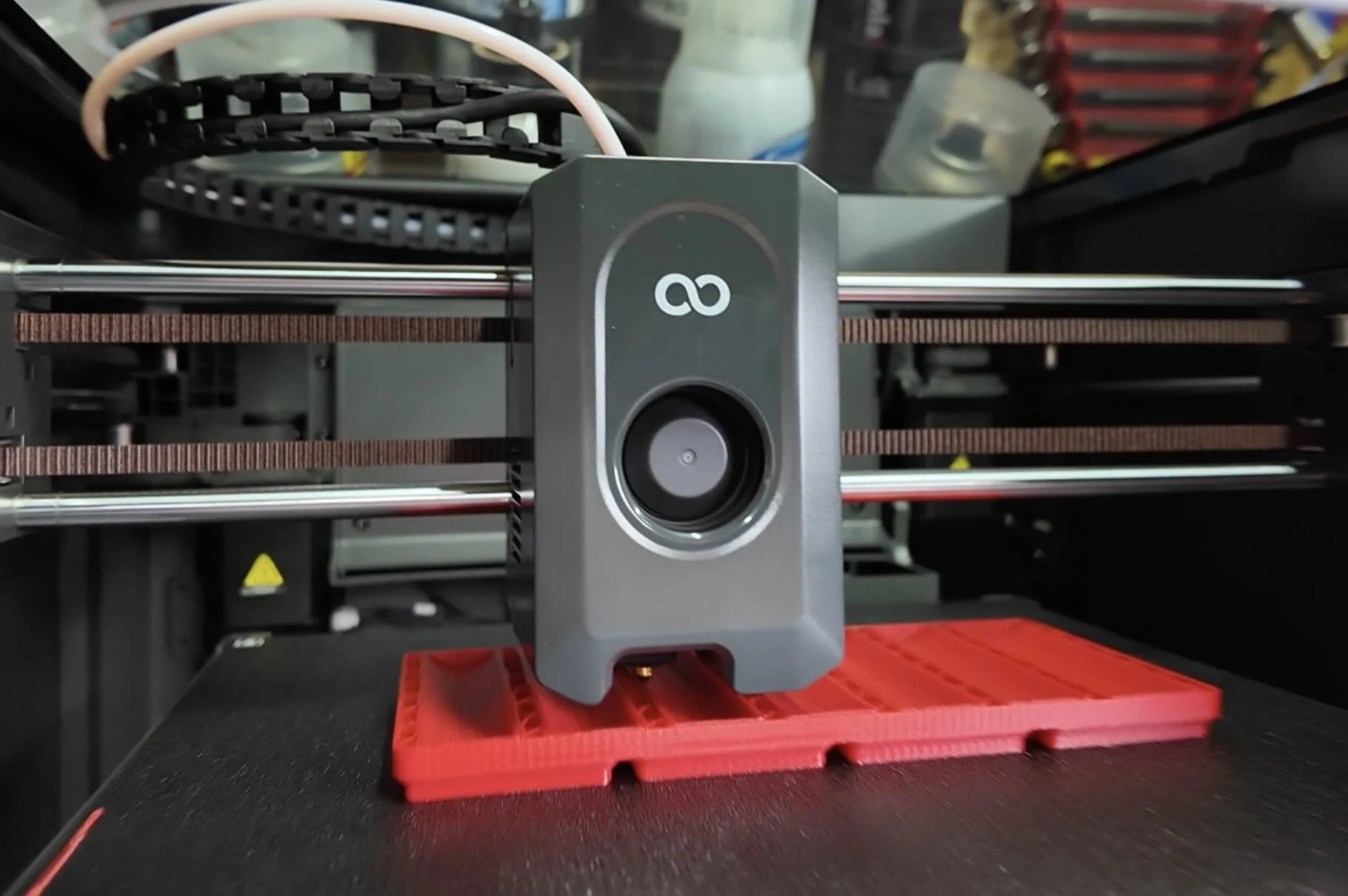
It’s great for car parts up to 10 inches long, by 10 inches deep, and up to 10 inches tall.
You’ll be able to print parts like interior blanks, radio delete plates, fuse covers, wheel caps, exterior plastic parts, and tons more.
Option 2: Xtra Lrg Parts
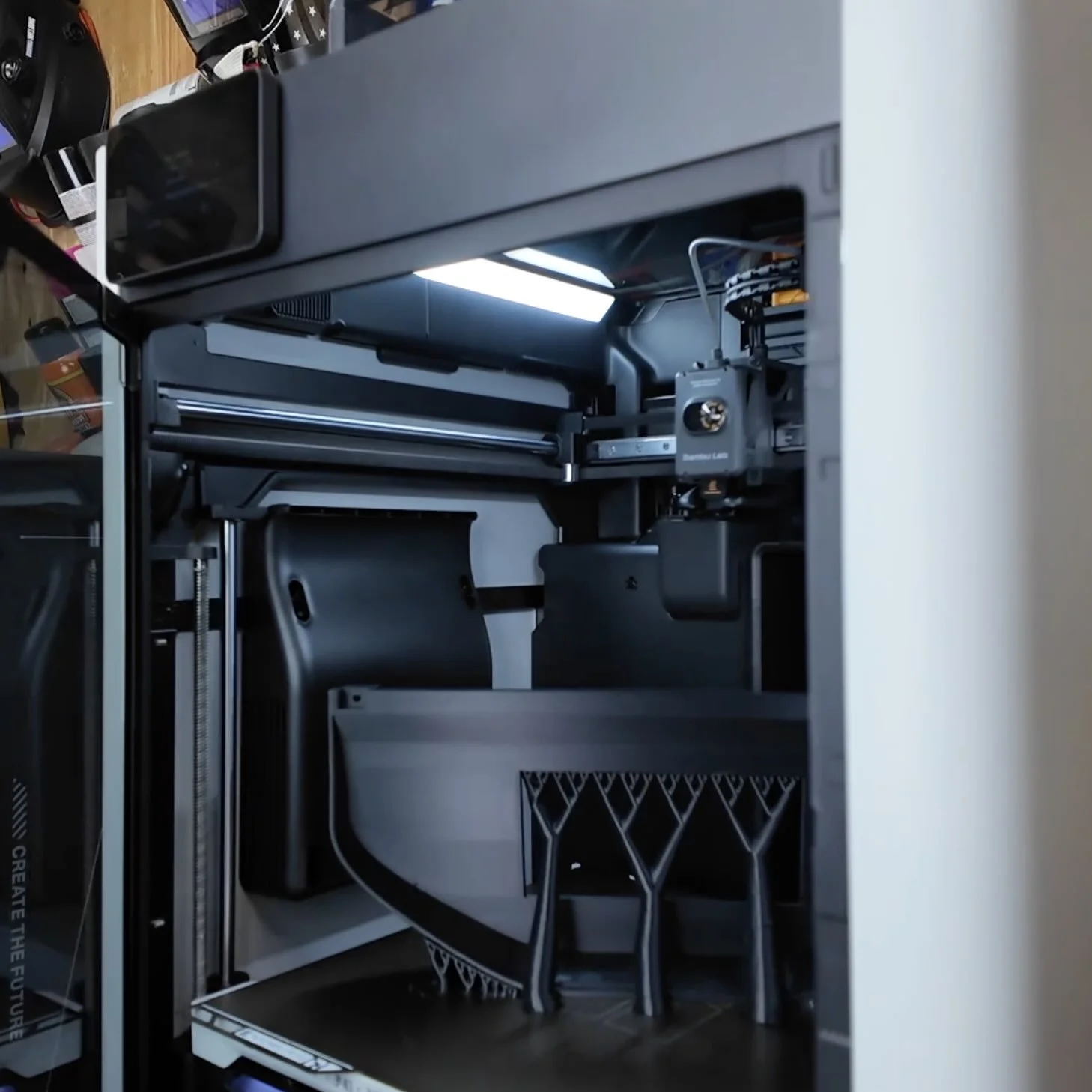
If you need to print bigger parts like full size digital cluster gauges, or other large car parts then I recommend the Bambu Lab H2S along with an AMS 2 Pro.
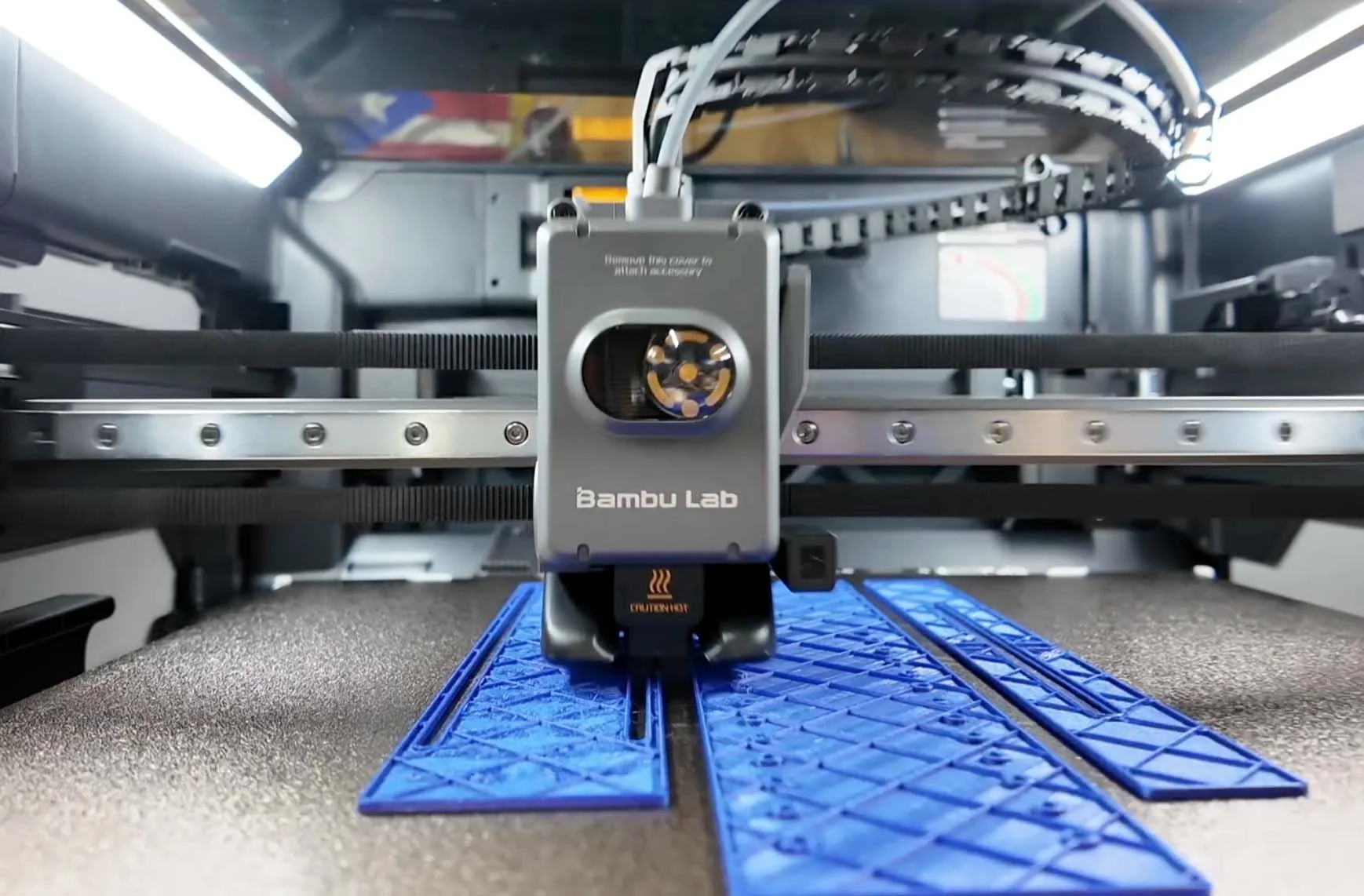
The H2S can print parts up to around 13.3 inches long, by 12.6 inches deep, and up to 13.3 inches tall.
With the AMS 2 Pro, you’ll be able to print your car parts in multiple colors and the AMS 2 Pro also helps prepare higher end filaments.
STEP 2. CHOOSE THE RIGHT MATERIAL TO PRINT WITH
For interior or exterior parts, I recommend ASA filament material.
It’s a thermoplastic that’s an upgraded version of ABS which most plastic parts in your car are made of.

ASA can handle temps up to 200 degrees Fahrenheit and has superior weather and UV resistance too.
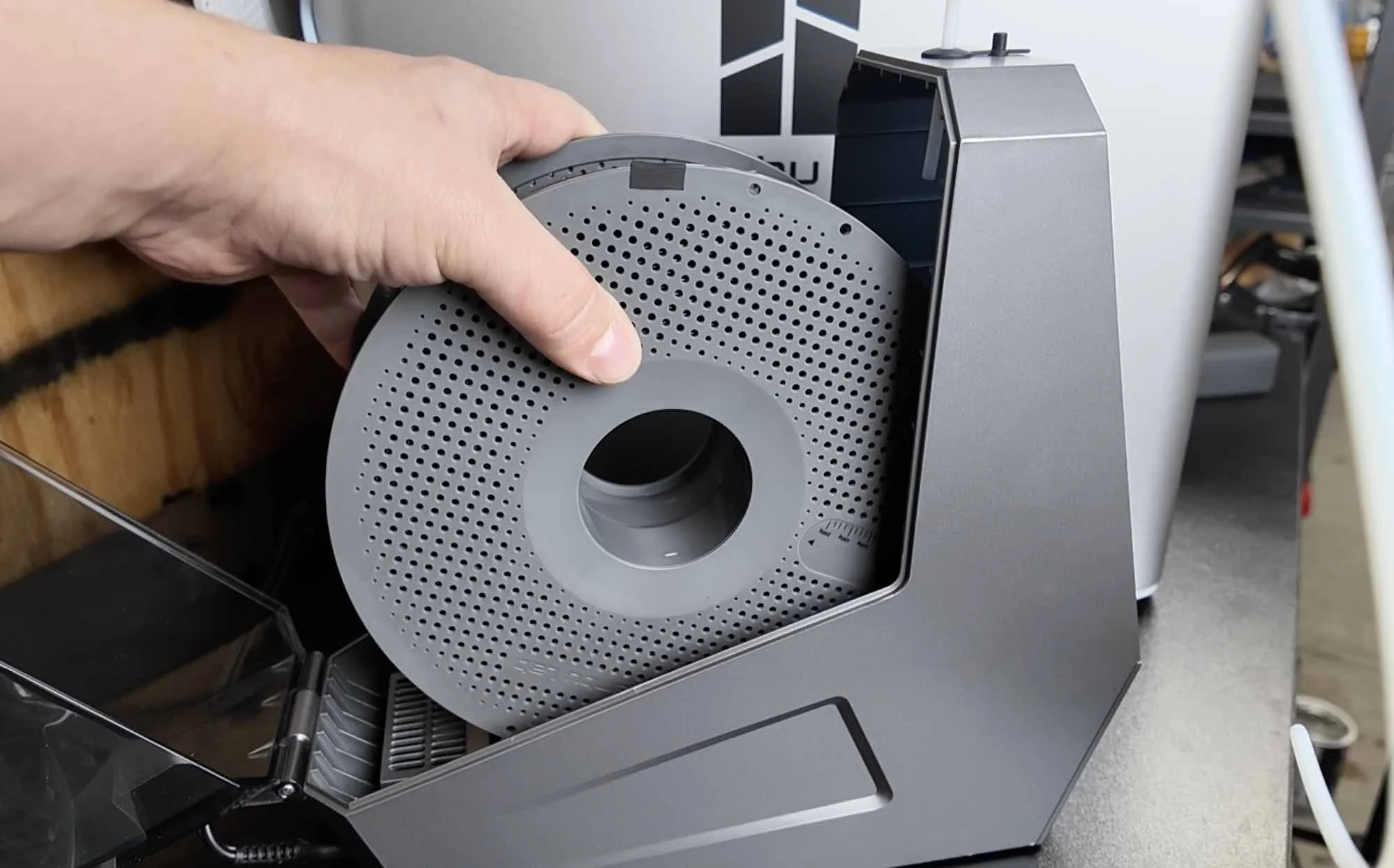
Just make sure you remove the moisture before you print your part with a filament dryer.
If you’re using the Elegoo Centauri Carbon, you can use a standalone filament dryer.
The AMS 2 Pro that you can purchase along with the H2S not only allows you to print in multi-color, but also dries filament too.
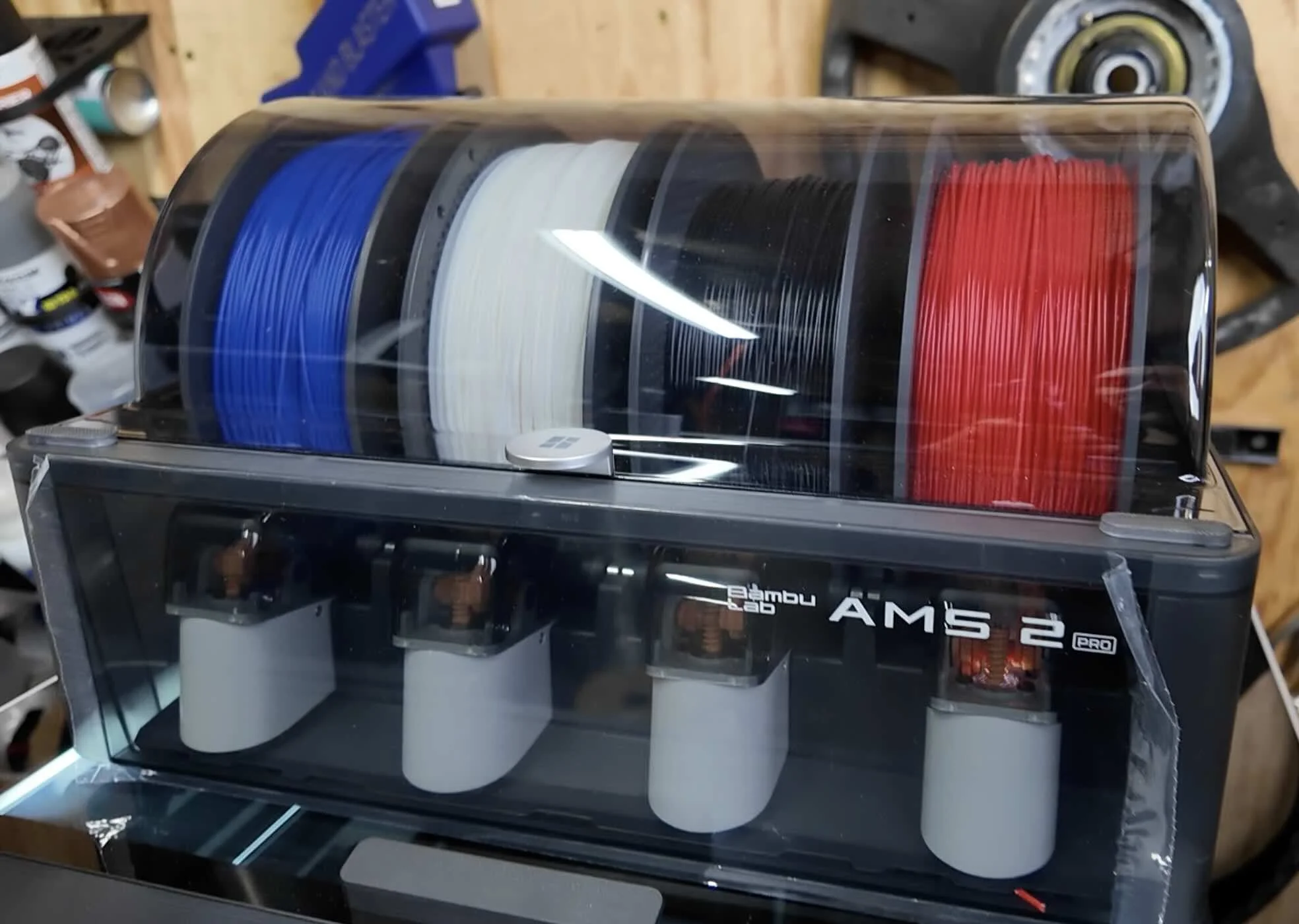
It includes a built-in heating element and also rotates the filament during the drying process which helps remove moisture evenly across your rolls of ASA filament.
Note: If you want to save a few bucks and don’t care about multi-color printing, you can also go with the single Bambu Lab AMS HT filament dryer instead.
💡 Pro Tip: ASA needs to stay nice and warm during the entire printing process or your part can start to warp.
Centauri Carbon Settings:
Pre-heat the printer with the print bed on max temp for 20-30 minutes before you start your print and make sure all the fans are off while 3d printing your ASA filament.
Bambu Lab H2S Settings:
The H2S has a built-in heating chamber with a default setting of 60 degrees Celcius for ASA filament. So you don’t need to pre-heat the printer.
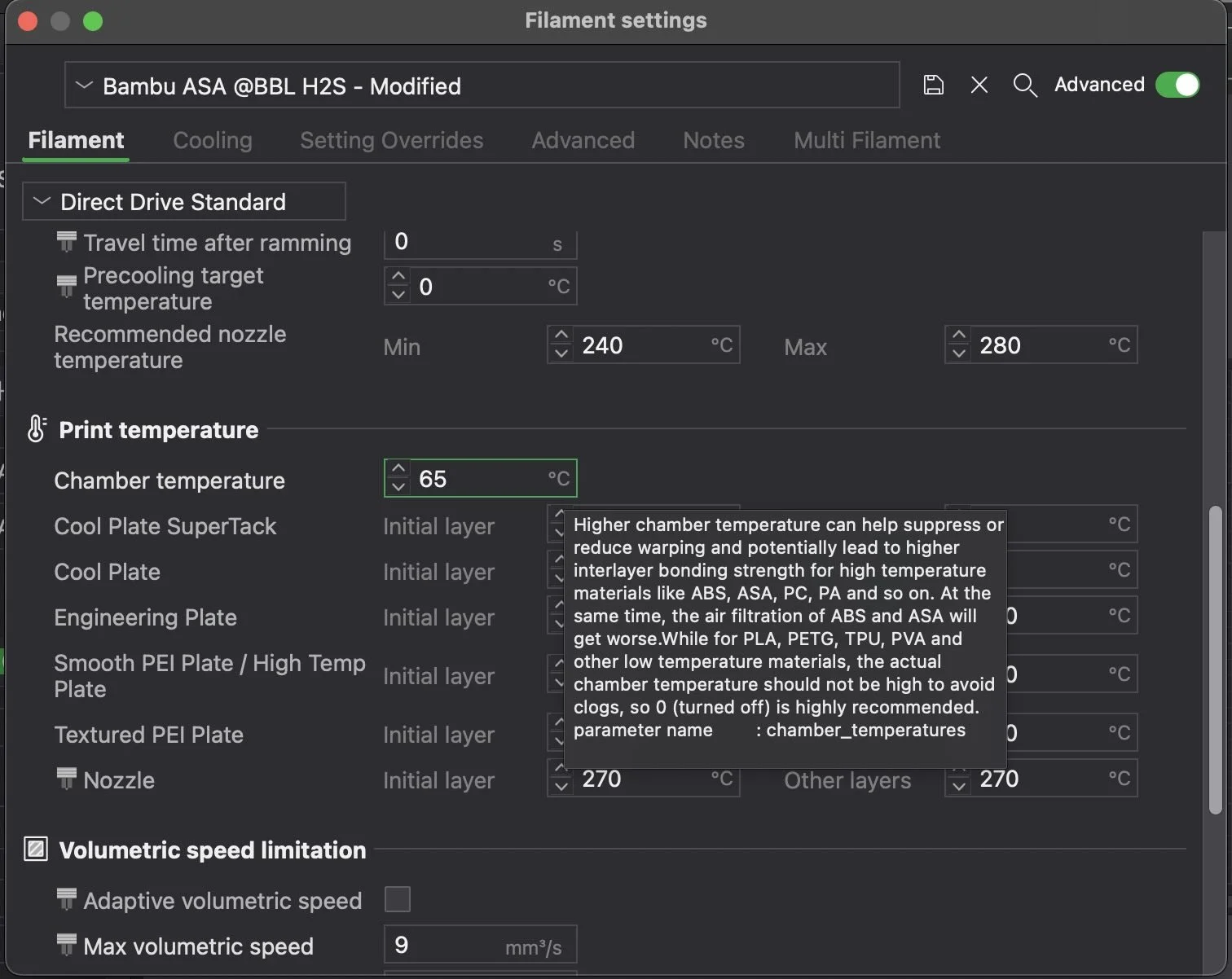
However, increasing the chamber temperature to 65 degrees Celcius in your ASA filament profile will help keep things nice and warm which will prevent your part from warping.
⚠️ Stay Safe: Make sure to follow all the 3d printer manufactures printing recommendations. It’s good to have proper air circulation as certain filament fumes while printing can be unhealthy.
STEP 3. CHOOSE THE PART YOU WANT TO PRINT
We have tons of pre-made parts you can access. You might have even seen a few of them showcased on our [YouTube Channel].
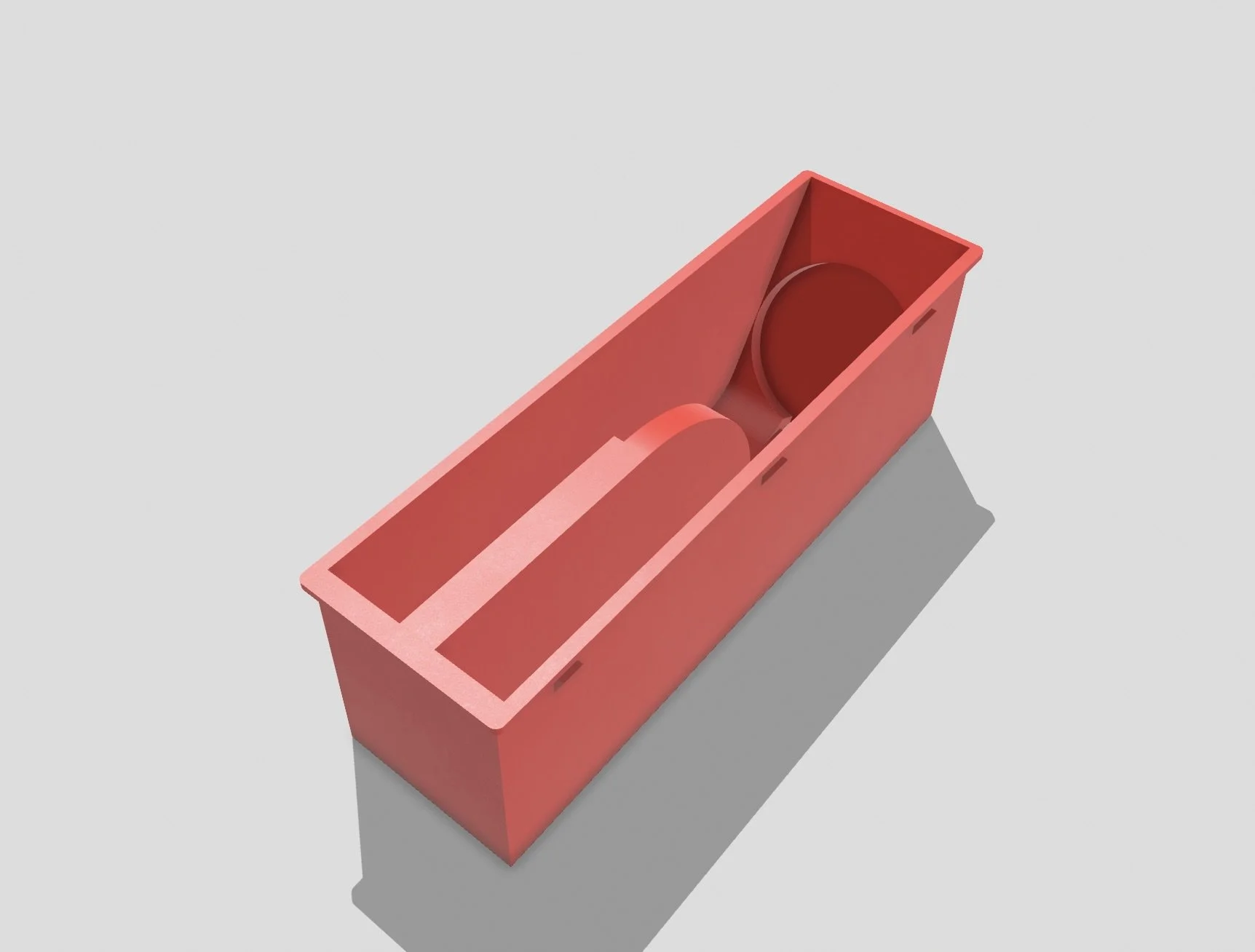
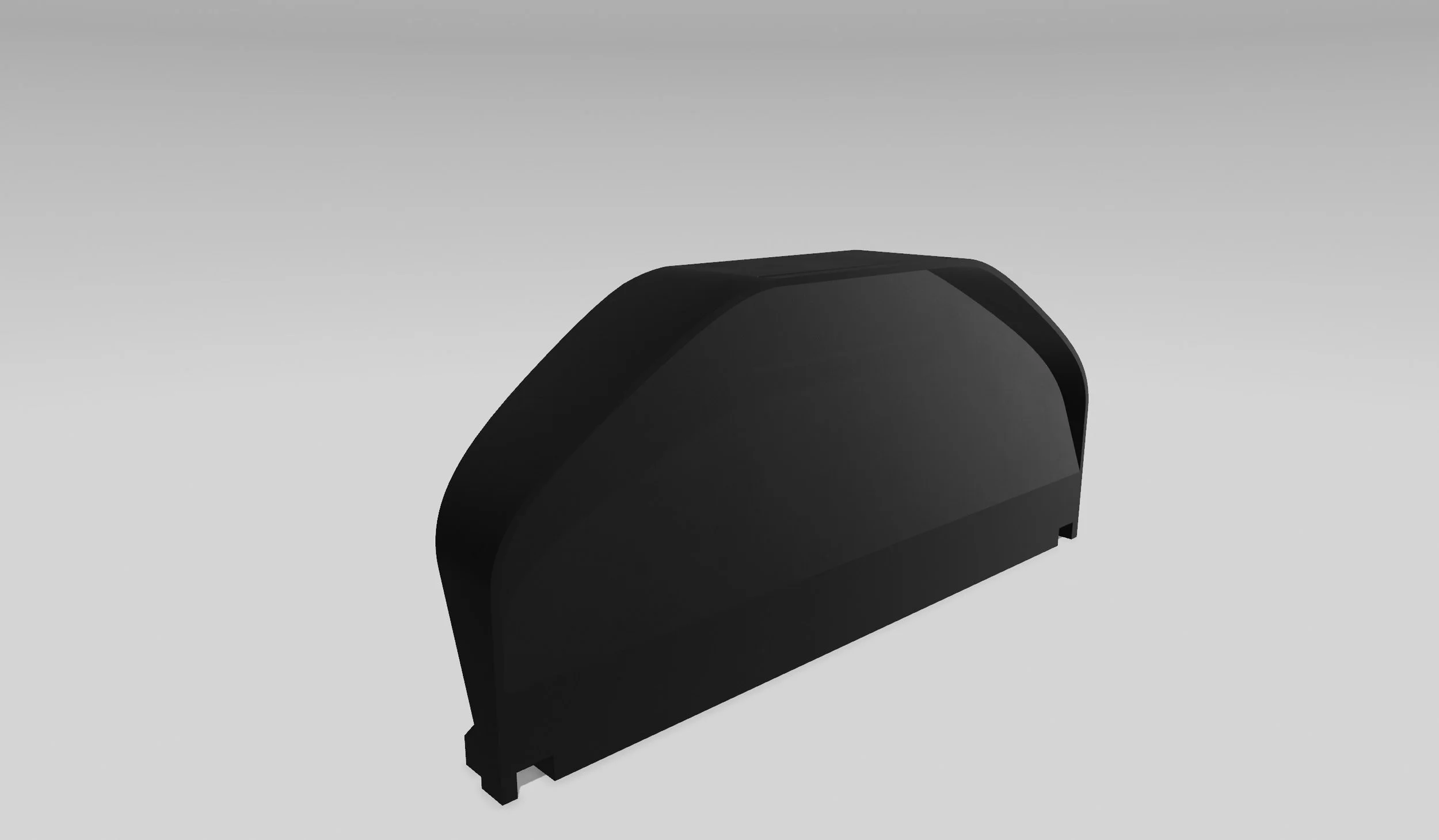
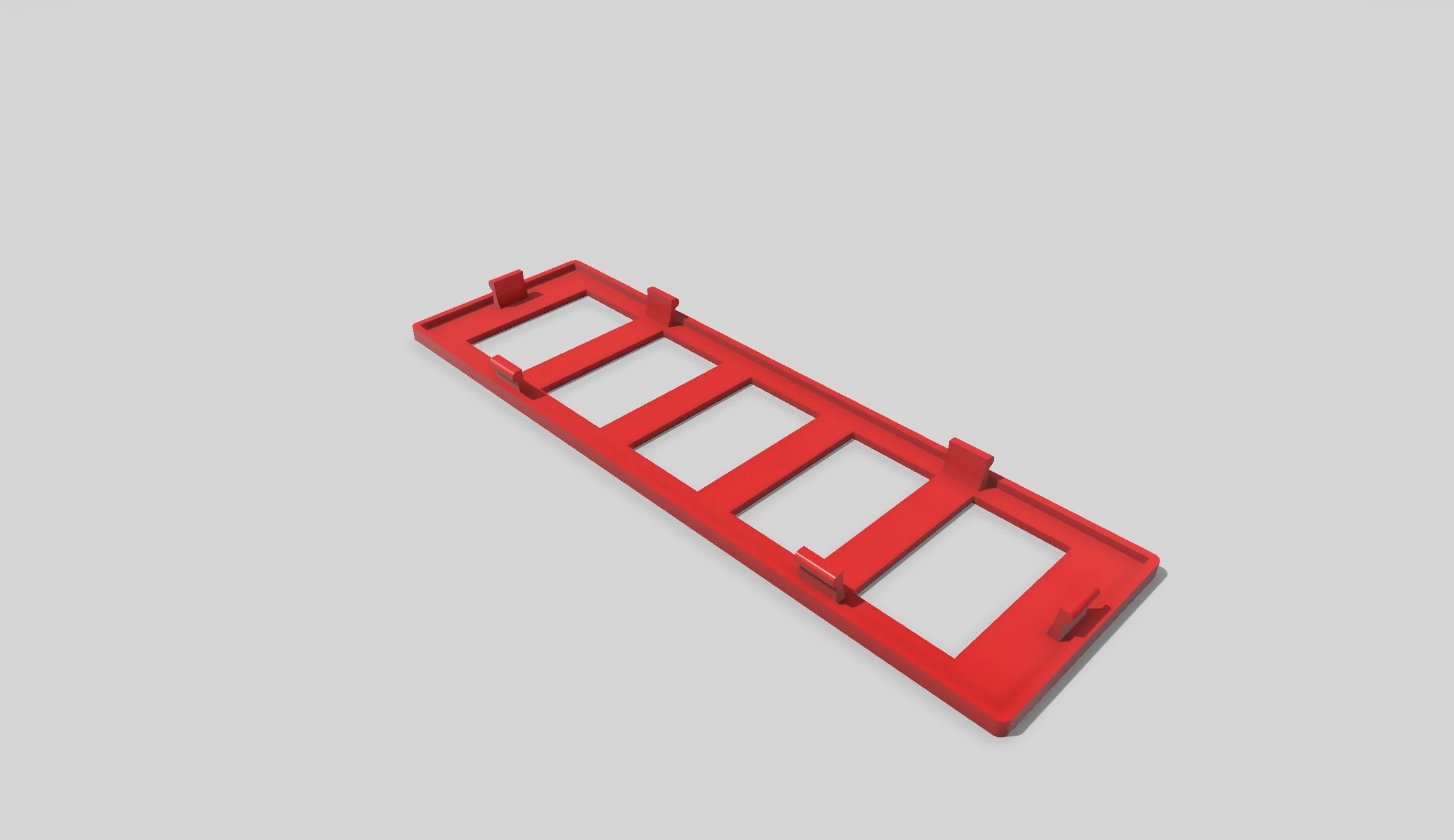
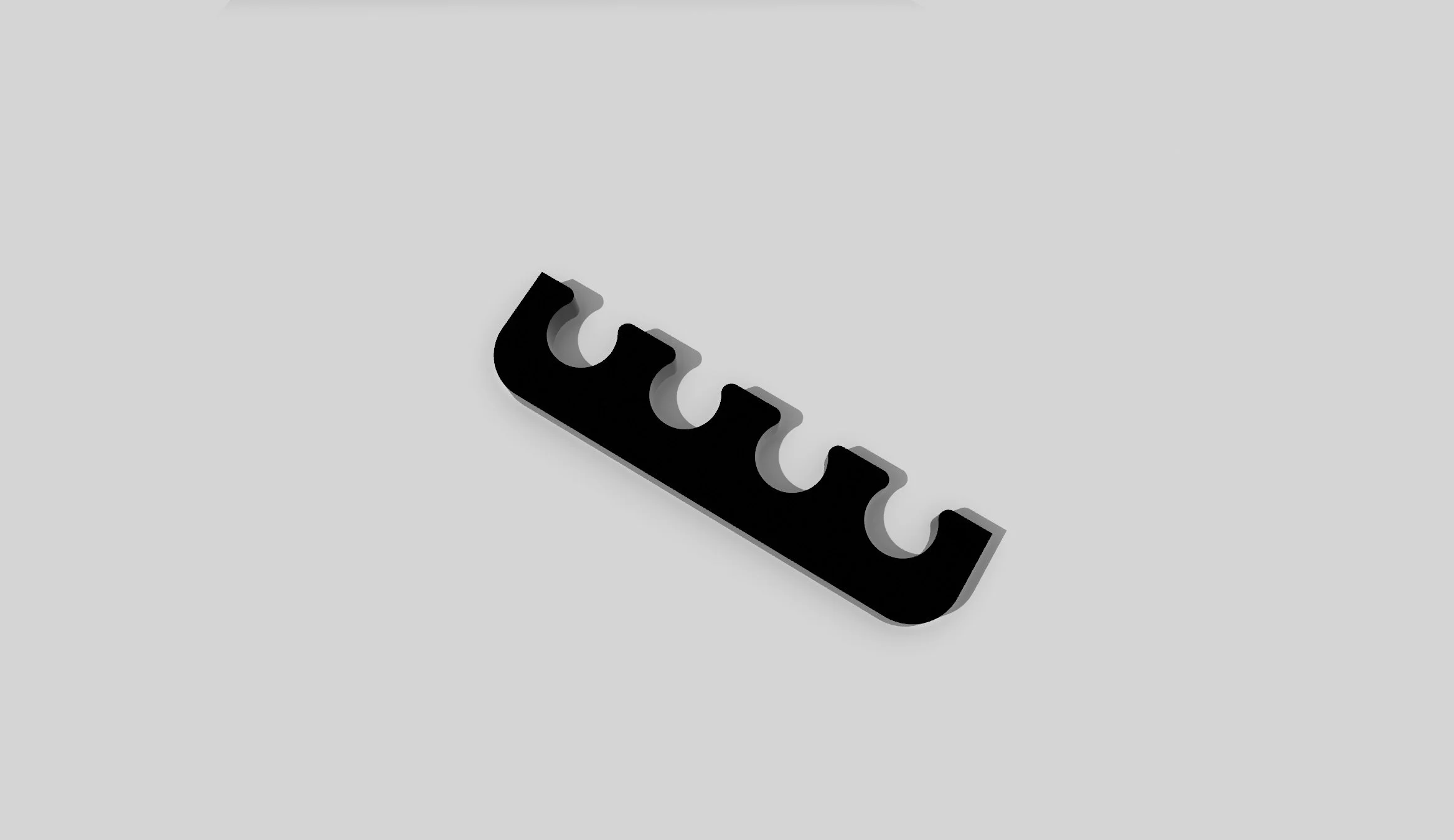
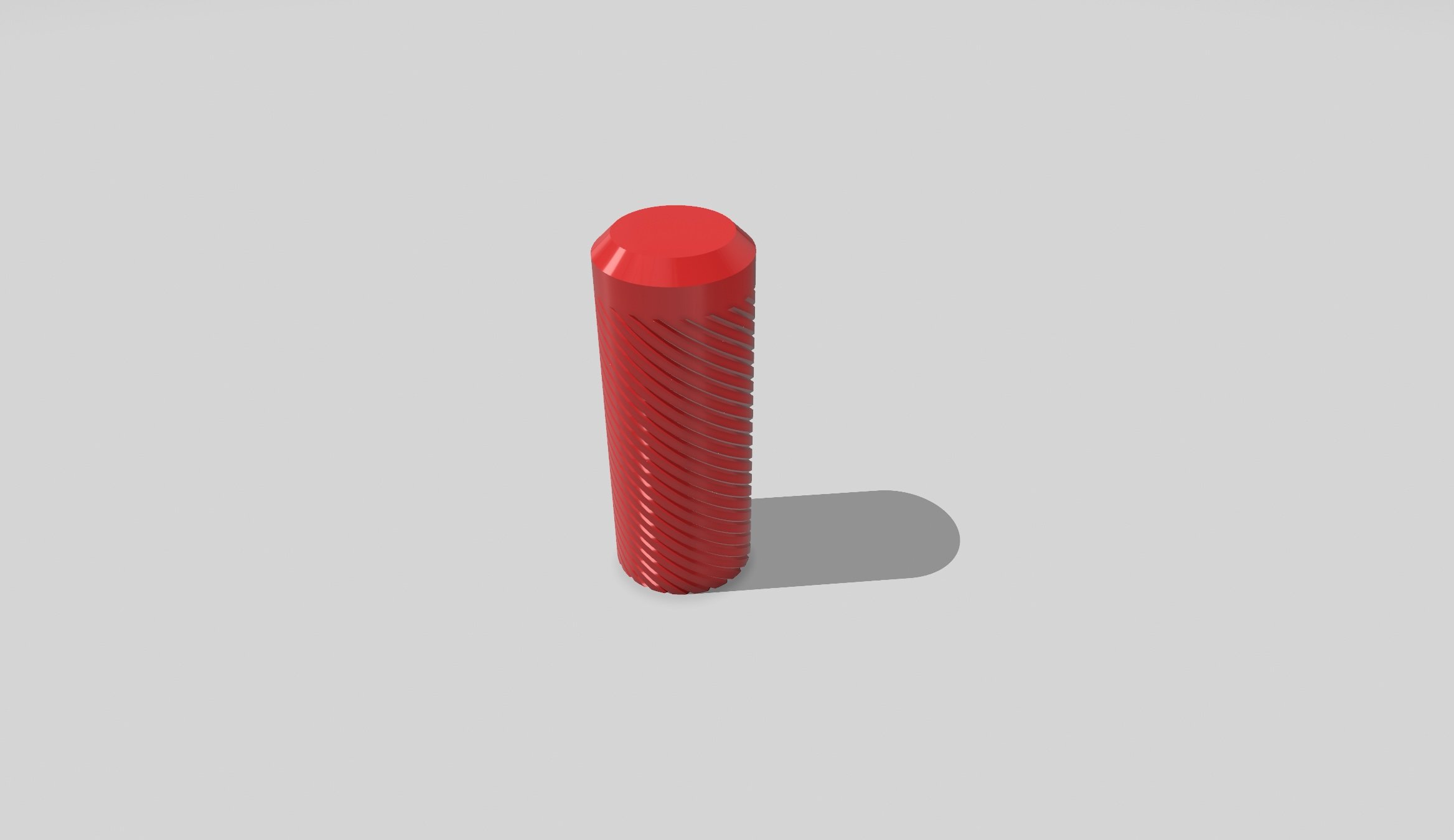
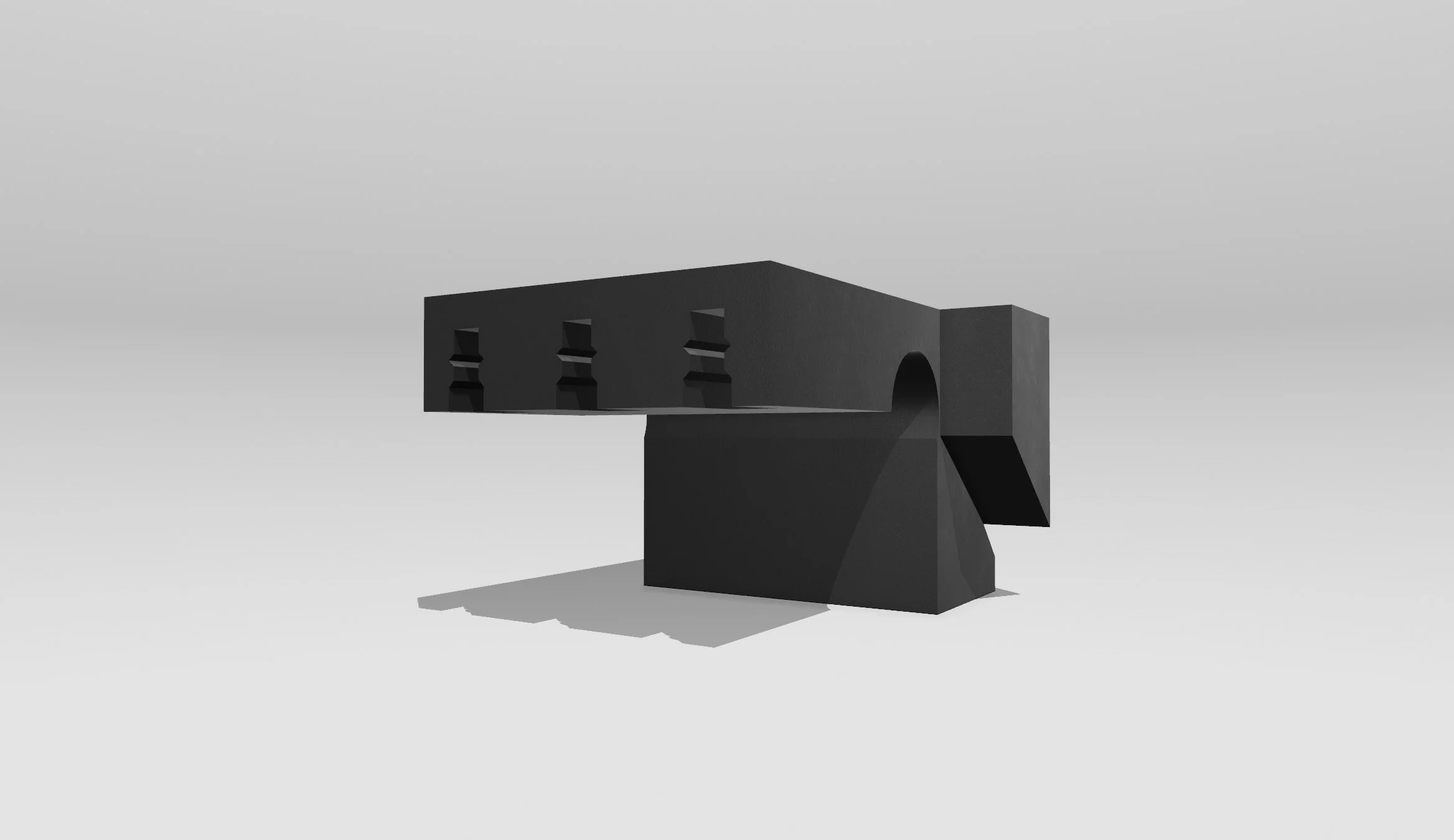
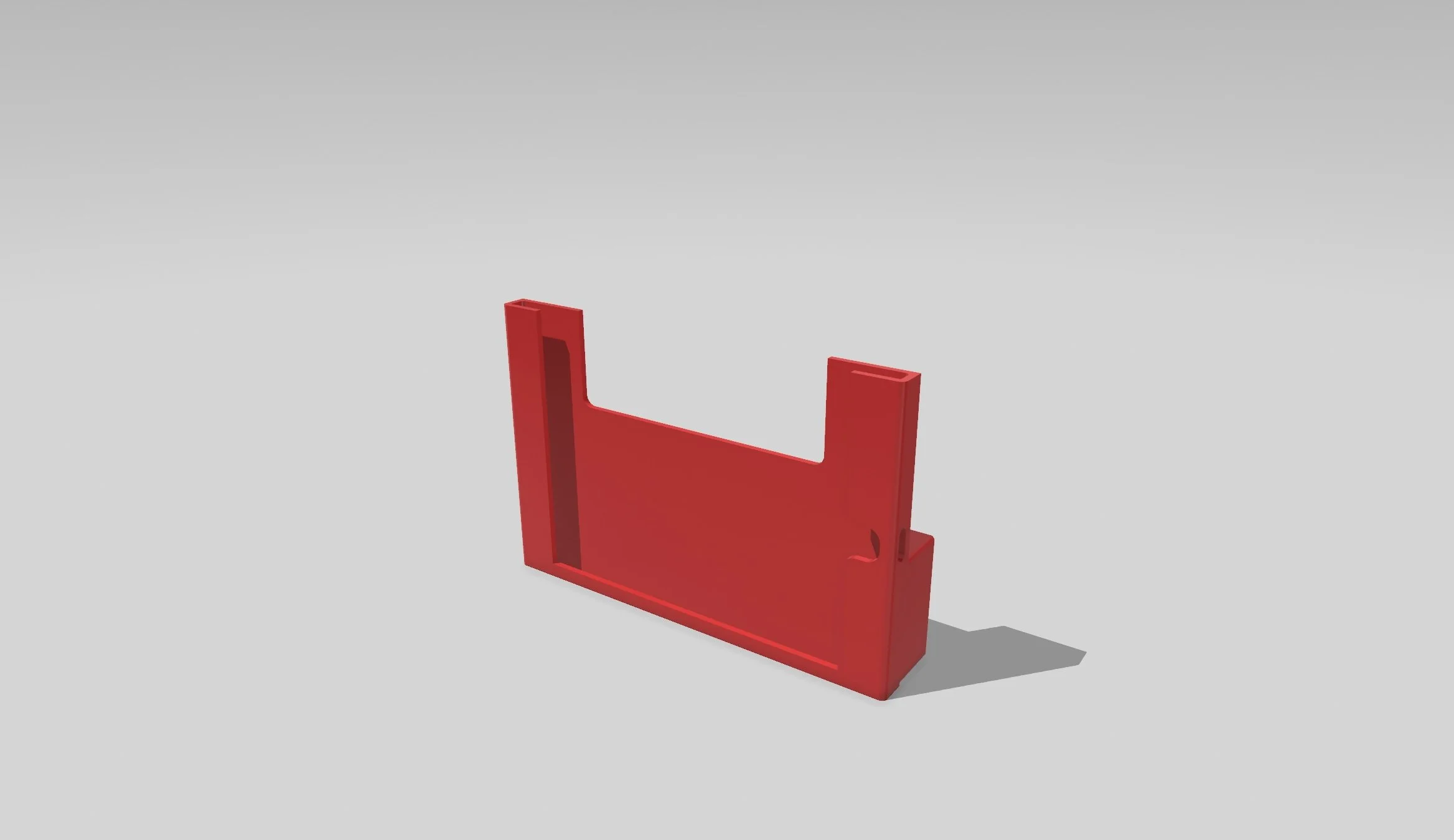

Want to start making your own one-of-a-kind 3d printed car parts no one else can buy ⬇
DESIGN YOUR FIRST CUSTOM CAR PART IN JUST ONE DAY
Level up your skills with a "print-to-design" workshop.
Money Back Guarantee • Risk Free