BEST 3D SCANNER FOR CAR PARTS - BUDGET TO PRO
WHAT’S THE BEST 3D SCANNER FOR CAR PARTS IN 2026?
⚙️ Best 3D Scanners for Car Parts (2026 Update)
| Model | Accuracy | Link |
|---|---|---|
| Creality Ferret Pro Wireless | 0.1 mm | See Details → |
| Revopoint POP 4 | 0.03 mm | View Specs → |
| Einstar Handheld Scanner | Not listed | Check Price → |
| Revopoint MetroY Pro | 0.02 mm | View Specs → |
When it comes to 3d scanning car parts, there’s tons of entry level options which significantly vary in price:


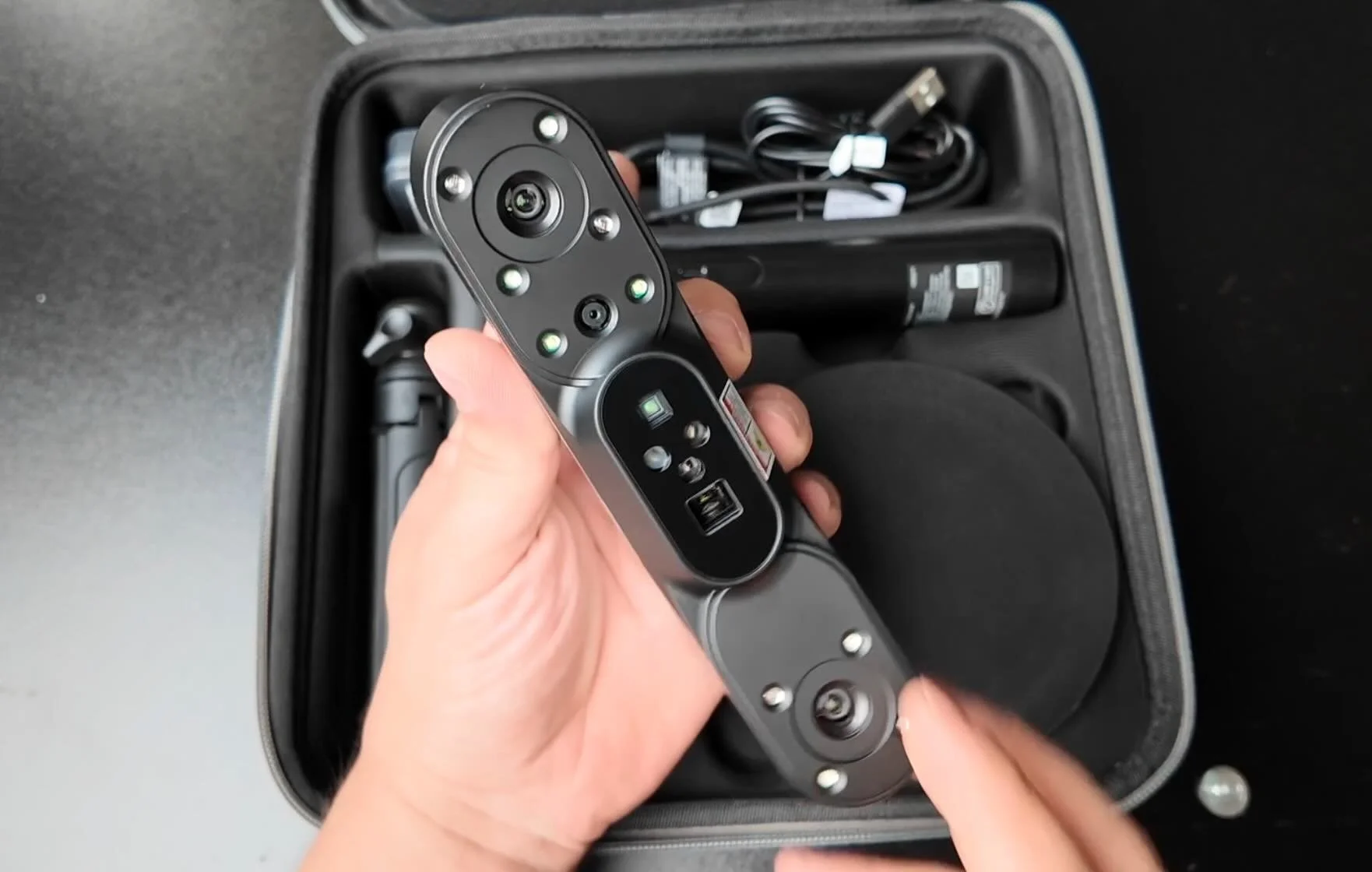
can be had under $400
0.1mm Accuracy IR Scanner
Scanning Speed up to 30fps
Working Distance 150–700 mm
starts in the $700s.
Infrared VCSEL
Scanning Speed up to 14 FPS
Working Distance 160mm-1400mm
starts in the $800s.
0.03 - 0.05 mm Accuracy IR, Infrared VCSEL, and Blue Laser
Laser Scanning Speed up to 105 FPS.
Working Distance 200mm-800mm
0.02 mm Accuracy Blue Laser
Scanning Speed up to 50-60 FPS
Working Distance 200 ~ 400 mm
💡 PRO TIP: 3D scanner accuracy is the measured distance between scanned points in millimeters. Lower mm means you get a more detailed scan.
The price between lower end 3D scanners is quite broad and slightly higher accuracy models seem to be a big jump in cost.
But for entry-level budget scanners like the Creality Ferret Pro , 0.1mm accuracy might just be good enough…

We chose to go with the Creality Ferret Pro 3d scanner for our first scanner and Revopoint for larger scanning.
The Creality Ferret Pro sometimes goes on sale for $329 and we use it to mostly scan small interior parts from our different project cars.
To learn more about the higher end MetroY Pro, here’s a detailed deep dive.

What’s great about the budget Ferret Pro is it also comes with a wireless bridge.
This allows you to scan parts without the need to have the scanner directly connected to a PC or a laptop.
However, it does comes with a longer USB cable if you chose to go that route.
HOW IT WORKS: The CR-Scan Creality Ferret Pro has an infrared transmitter and a pair of infrared receivers to map out all the details of the part you scan.
It also has a 2MP color camera too. This allows the Ferret Pro to get very detailed scans as well as an image overlay of the scan.


3D SCANNING CAR PARTS
The process of 3D scanning car parts involves slowly scanning the part with the scanner to capture the part's geometry by tracking point clouds from the infrared transmitter and receivers.
You do this through the Creality Scan app which can be used on a smart phone or PC/MAC.
The digital scan can then be processed and converted to a 3d model you can import into your favorite 3d slicing software for 3d printing.
CREALITY SCAN BEST SETTINGS: The Ferret Pro has a few different scanning settings like geometry and texture, but the best setting we found was marker.

The marker setting in Creality Scan requires you to use small reflective sticker markers (included) on the surface and/or part you are scanning.
This significantly reduced the error of “lost tracking” with the Ferret Pro and provided the best results.

For smaller parts a small kitchen turn table or lazy susan makes it even easier to scan parts without walking around the entire object.
CREALITY SCAN
Once we scanned a few parts, you can prep the scan inside the Creality Scan app or transfer the project files to a computer to process.
If you don’t have lots of RAM on your phone, then you’ll probably have to perform the transfer to process the cloud points.


For simple shapes Creality Scan can convert files into STL files that can be loaded into your favorite slicer.
Sometimes the parts have to be cleaned up, but cleanup can vary based on the noise of other objects that may have been picked up.
I just wish the Creality Scan app had a few more “easy” buttons to clean up the files and fill holes flat. The hole filling feature to make your part water tight seemed to be finicky at times.
After you convert your STL to gcode, you can start to print your 3d scanned item.
If you don’t have a flat surface for any holes, you can shift your part down into the build plate within your slicer. This helped us create a very flat bottom surface.

3D SCAN CAR PARTS CONNECTED TO YOUR PHONE
Once we finished testing scanning basic parts like an ebrake handle, a trunk tool holder, and some interior items we tried scanning entire exterior parts of our BMW e30 project car.
We initially used an iPAD, but ran into issues with the Creality Scan app not being able to export project files.

After some research we discovered that the app is not supported on iPAD.
We then tried attaching our iPhone 14 pro, however my phone wouldn’t find the scanner after connecting to the wireless bridge.
UPDATE: After loading Creality Scan Version 2.2.19 that recently came out my iPhone 14 Pro now connects to the Creality Ferret Pro Wireless Bridge with no issues, hooray!!!
iPhone also doesn’t support connecting the included small USB cable directly to the scanner. However, once we switched to my wife’s Samsung Galaxy S22, everything worked just fine.

We also did one more test connecting our Macbook M2 directly to the Ferret Pro wireless bridge.
This also worked and is better than going for the USB cable option.
FERRET PRO iOS COMPATIBILITY ISSUES
Ferret Pro has a compatibility chart here which includes mobile iOS Apple devices, but what they don’t show is iOS software version compatibility. Here’s some issues we ran into:
On my iPhone 14 pro running version 18.1.1, I’m unable to find the Ferret 3D scanner after connecting to the Ferret SSID. Update toCreality Scan Version 2.2.19 fixed this issue.
Another issue we encountered was connecting with an iPAD running iOS 17.6.1.
The iPAD performed all the scanning, but the project would sometimes fail to import into the desktop version of Creality Scan. We just keep getting “Creality scan the project is empty, import failed” message error.
NOTE: Unfortunately the iPAD NOT an officially supported device on the Creality Wiki site
REVERSE ENGINEER YOUR SCAN
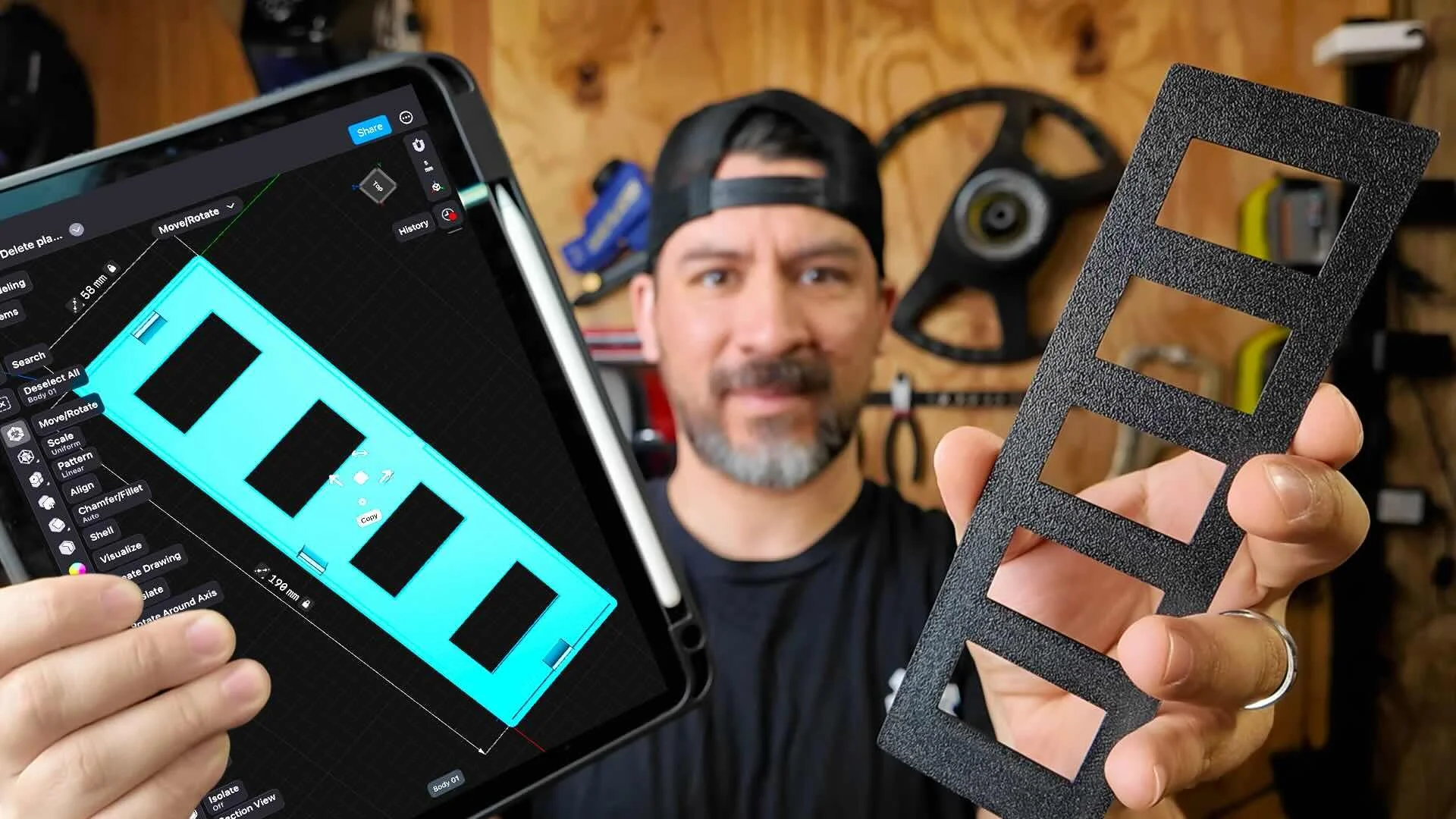
Once you have your scanned car part, the next step is to reverse engineer your part in CAD. Think if it as tracing a drawing with a thin sheet of paper.
The workshop covers the exact steps on scanning and reverse engineering your part for your exact build.
Scan and Print Car Parts That No One Makes
One afternoon. No complex software. Parts that fit your exact build.
This workshop finally made designing 3d printed car parts feel doable. I had a replacement part ready for my project car in a few hours.
Instant Access, Risk Free Money Back Guarantee